Give your WordPress site its first task.
Connect the site you already have, add your agent to Slack or Telegram, and tell it what you need.
Connect your siteStart with 500 free credits. No credit card needed.
Setting up a WordPress blog takes a few documented settings: publish a post, choose where posts appear, set permalinks once and make sure nothing blocks indexing. Most new blogs go wrong in other ways. Owners add plugins and polish the design before they have published anything, or they assume that a post that looks right is already in Google.
One small business owner on r/smallbusiness said they had spent “around $500 without visible progress” on a WordPress site and were still working through tutorials and templates. That is the usual way a first blog fails. WordPress was not too hard for them. They kept adding layers before the site had published anything.
The setup itself is short. You choose a kind of WordPress, publish a post, decide where posts appear, set the URL structure, and check that search engines are allowed in. Each step is below, followed by what usually breaks and how to tell when the problem is no longer a settings problem. If you are building pages around the blog, our guide to adding pages in WordPress covers that side.
Decide this first, because the two products work differently. WordPress.org’s own documentation describes WordPress as free, open-source software that you install on hosting you choose. WordPress.com is a hosted blogging service run by Automattic. People mix them up all the time. In a 2025 WordPress.org support thread, the poster expected their WordPress.org account to come with a site and a dashboard. It doesn’t. That account is only for the forums and community.
Neither choice is permanent. You can move a WordPress site later. For a business, the blog should usually live on the company’s existing domain. Practitioners on r/marketing give the reason: links and search visibility build up on one domain instead of being split across two.
It can cost nothing, or several hundred dollars in the first year. Published figures vary because each source counts different things. WordPress.com Free costs $0. When we checked its pricing page, the Personal plan was $9 a month billed monthly or $4 a month billed annually. Annual plans include a custom domain for the first year and monthly plans do not. WordPress.com’s own cost article says a .com domain usually costs $13 to $25 a year after the first year.
For self-hosted sites, cheap shared hosting with an auto-installer is enough for a blog if you are willing to learn by fixing your own mistakes. Managed hosting costs more and takes care of backups and updates. Introductory prices are low, and renewal prices are usually higher and harder to find. Before you choose a cheap host, check whether backups and support are included or sold as extras.
You need administrator access to the dashboard. Every step below happens there, and none of it needs code.
noindex,nofollow directive to the whole site. Many people tick it while building and forget to untick it.When you are done, the post loads at a clean URL like yoursite.com/first-post/, it appears on the homepage or Blog page, and URL Inspection reports no noindex. Leave the theme alone until you have published a few posts. Pick a free theme that already looks close to what you want and get on with writing.
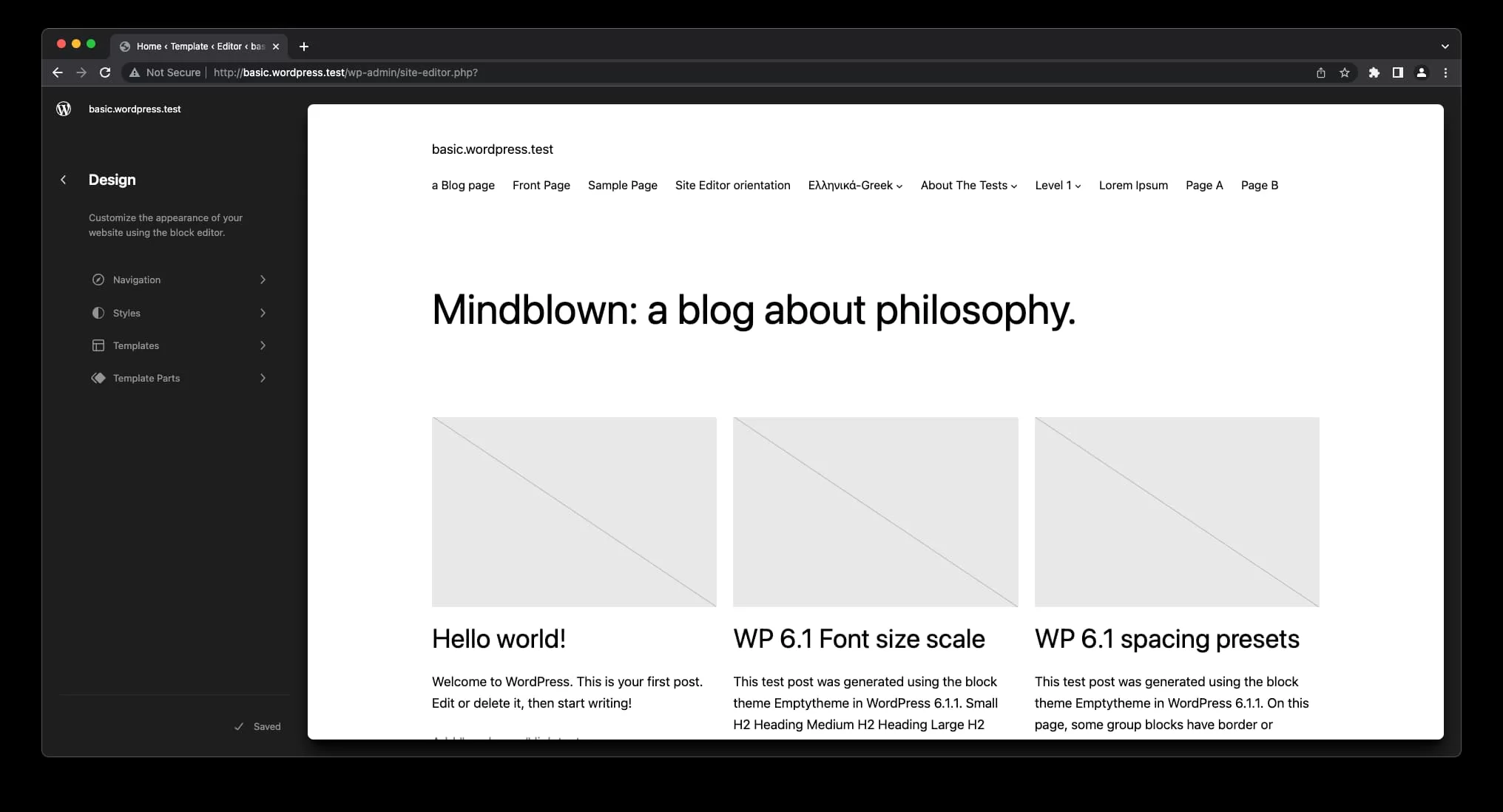
The Posts page is not a normal page. WordPress builds the list of posts, and your theme decides how that list looks. WordPress.org’s Reading settings documentation says the page’s own content and assigned template may be ignored. If you designed that page in a page builder, your layout will not appear and the page will look different from the one you built.
A 2025 WordPress.org support thread called “Adding a blog” was solved this way: the user set the page as the Posts page in Settings → Reading, then changed the look in the theme’s blog or archive settings. In a block theme, that means editing the blog template in the Site Editor, not editing the page.
Whether a post displays, whether Google finds it, and whether Google indexes it are three separate questions. A post can look perfect and still not be indexable. Check these in order:
noindex. Use noindex to keep a page out of search.Even with everything set correctly, Google’s sitemap overview says a sitemap helps Google find pages but does not guarantee they will be indexed. A recrawl request is also only a request. New sites get indexed slowly, and they get traffic even more slowly. For titles, descriptions and sitemaps in more depth, see how to do SEO on WordPress.
The order below is based on how often each problem comes up in support forums and documentation. Nobody has measured it. Each problem shows a message you can recognise.
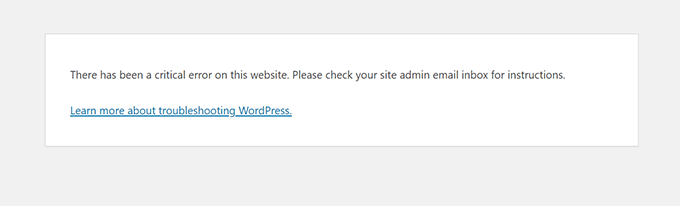
The usual cause is a plugin or theme conflict, often right after you added several things at once. WordPress emails the admin address with details, and if debugging is turned on, wp-content/debug.log names the file involved. WordPress.com’s guide to finding a plugin or theme conflict describes the method: deactivate every plugin, turn them back on one at a time, and switch to a default theme if the error remains. Take a backup first. Our guide to fixing plugins that are not working goes through each step.
This is almost always a DNS problem, not a theme problem. Point the domain’s DNS at your host first, then wait for the SSL certificate. WordPress.com says certificates usually arrive within minutes but can take up to 24 hours. A CAA DNS record can also stop Let’s Encrypt from issuing a certificate.
The WordPress Advanced Administration Handbook lists three causes: wrong database credentials in wp-config.php, a database server that is down, or a host limit you have hit. Check the database name, user, password and host against what your host gave you. If they match, contact the host and don’t guess.
The rewrite rules are stale. Open Settings → Permalinks and click Save Changes without changing anything. If posts still 404, the server may not have Apache’s mod_rewrite enabled, which your host has to fix.
Copy your text somewhere safe first. Then try another browser, turn off browser extensions, and look for a plugin conflict. WordPress.com’s support pages connect the “not allowed to assign the provided terms” version of this error to duplicate tags or categories.
Stop changing settings when the fix needs server access you don’t have: a database error after you have confirmed the credentials, mod_rewrite, or DNS records at a registrar you can’t log into. Those belong to your host. Stop too if you have spent a week on themes and still have no posts. In a 2019 r/Wordpress thread, one person reported about 120 active hours on a basic blog. Most of that time goes into design work that one published post would make unnecessary.
If you would rather describe the work than do it, SiteSelf for publishers drafts, updates and publishes posts on an existing WordPress site through chat, then checks the live page and reports what changed.
Yes, on WordPress.com’s Free plan, which includes hosting on a wordpress.com subdomain. You cannot connect a custom domain on that plan. Self-hosted WordPress is free software, but you have to pay for hosting and usually a domain.
No. Publishing, Reading settings, permalinks and plugins are all handled in the dashboard. You only get near code with server problems like database credentials or rewrite rules, and your host can usually fix those.
No. A free, well-maintained theme with good mobile layout is enough for a blog. Spend money where something specific is missing, not on a theme demo you will have to strip back.
Set the blog under Settings → Reading → Posts page and the shop under WooCommerce → Settings → Products → Shop page. Use a different page for each. If both point to the same page, one of them stops working.
Yes, and plugins are where most of the weight comes from. HTTP Archive’s 2024 Web Almanac found that 40% of WordPress sites passed all three Core Web Vitals on mobile, up from 28% the year before. A lean theme and few plugins give you a better start.
Nobody can give you a reliable timeline, and anyone who promises one is guessing. New sites do better writing about narrow, specific searches than broad ones. Publishing regularly and sharing posts outside search matters more than any setting in this guide.
How-to Tutorials
WordPress has had a built-in lightbox since version 6.4. Turn it on in the Gallery block’s link settings and simple galleries don’t need a plugin. When a lightbox won’t open, opens twice or breaks on phones, the cause is usually two scripts fighting over the same click, or an optimisation setting that loads the lightbox too early.
Read article ›How-to Tutorials
“Modify the header” in WordPress can mean four jobs: the visible header, the code in the page head, the HTTP response headers, or the “headers already sent” error. Each one has its own place to make the change. Most failed header edits are correct edits made in the wrong place, so start by working out which system controls your header.
Read article ›How-to Tutorials
WordPress has no feature called a redirect page. What most people need is a rule that sends an old URL to a new one with the right status code, set in the right place on the site. Most redirect problems come from two of those places disagreeing, and adding another rule rarely fixes them.
Read article ›Connect the site you already have, add your agent to Slack or Telegram, and tell it what you need.
Connect your siteStart with 500 free credits. No credit card needed.