Key takeaways
- Three products share the name: the hosted service at HelloBar.com, the Hello Bar Popup Builder plugin that loads its script, and any native notification bar plugin. Elementor’s Hello theme and the WordPress admin toolbar pollute the search results on top of that.
- The official plugin designs nothing. WordPress.org lists Hello Bar Popup Builder at 3,000 active installations, a 32% rating from 7 ratings, last updated 2026-06-04 and tested up to WordPress 7.0.5.
- If you want the bar without an external account, My Sticky Bar is in the same directory at 100,000 active installations and a 98% rating from 1,198 ratings, tested up to 7.1.1.
- A bar that never appears is usually cache. Purge the caching plugin, the host cache, the CDN and the object cache, then test logged out in a private window before you touch anything else.
- A bar renders on every page, so an injection flaw in one reaches every visitor. CVE-2026-1042, announced in January 2026, reports stored cross-site scripting in a plugin named WP Hello Bar.
Someone wants a strip across the top of the site. Free shipping until Sunday, a webinar link, a notice that the shop is closed for a week. The message takes two minutes to write. Then the search for a hello bar for WordPress returns a hosted service, a plugin that designs nothing, a dozen announcement bar plugins and a page builder theme called Hello.
That is most of the problem. The rest is integration: cache layers, a conflicting plugin, a theme that swallows the markup, testing while logged in as an administrator. Almost nothing that goes wrong with a bar is about the bar itself, which is why our guide to fixing WordPress plugins that are not working reads like a hello bar troubleshooting guide.
Three different things get called a hello bar
Work out which one you have before you read any advice, including advice in a support thread with “hello bar” in the title.
- Hello Bar, the hosted service. You build the bar in an account at HelloBar.com, and it appears on your site through a JavaScript snippet. It works on any site, WordPress or not. The campaign, the targeting rules and the reporting live in the vendor’s dashboard, not in your database.
- Hello Bar Popup Builder, the WordPress plugin. A connector published in the WordPress.org directory under the author name telepathy. Its description is plain about the job: add a popup to your WordPress site with the official Hello Bar plugin. It has no bar editor.
- Any WordPress notification bar plugin. My Sticky Bar, HashBar, Easy Notification Bar, Welcome Bar and others. These are self-contained: the bar is built in wp-admin, stored in your database and rendered by your site.
- Not a bar at all. Elementor’s Hello theme and the WordPress admin toolbar both match the phrase and neither is a notification bar.
The collision is not theoretical. A WordPress.org thread asking how to add “a hello bar” to the header turns out to be about the Hello theme. An Elementor GitHub issue about clicking “Hello” is about the admin bar creating a draft page. Searches on Reddit and WordPress Stack Exchange for hello bar problems mostly return admin toolbar questions and actual bars that serve drinks. If a thread does not name the plugin slug or HelloBar.com, assume it is about something else.
One more thing the silence tells you: there is very little public practitioner discussion of Hello Bar on WordPress. That is not evidence it works well or badly. It means you will be relying on the vendor’s own material and on generic WordPress diagnosis, so it pays to know which is which.
Why the official plugin gives you nothing to configure
Because it is a pipe, not a product. You create and style the bar at HelloBar.com, then the plugin puts the service’s code on your pages. The changelog records the shape of that job: version 0.5 changed the integration from manually entering a JavaScript tag to entering only an API key, version 0.6 fixed a bug where the API code would not save, and version 0.2 fixed duplicate deployment scripts when the header deployment option was selected. Nothing in there is about designing a bar.
The directory signals for that connector are thin. WordPress.org lists Hello Bar Popup Builder at 3,000 active installations, a 32% rating from 7 ratings, last updated 2026-06-04 and tested up to WordPress 7.0.5. Read that carefully before you draw a conclusion: 7 ratings is far too small a sample to call a quality measure, and 3,000 installs counts the branded connector only. Plenty of Hello Bar users paste the snippet through a script manager or into the theme and never install this plugin.
The plugin listing also says Hello Bar is “trusted by over 600k websites”. That is publisher copy inside a readme file, not a WordPress.org install count, and it does not say how many of those sites run WordPress. Treat it as marketing.
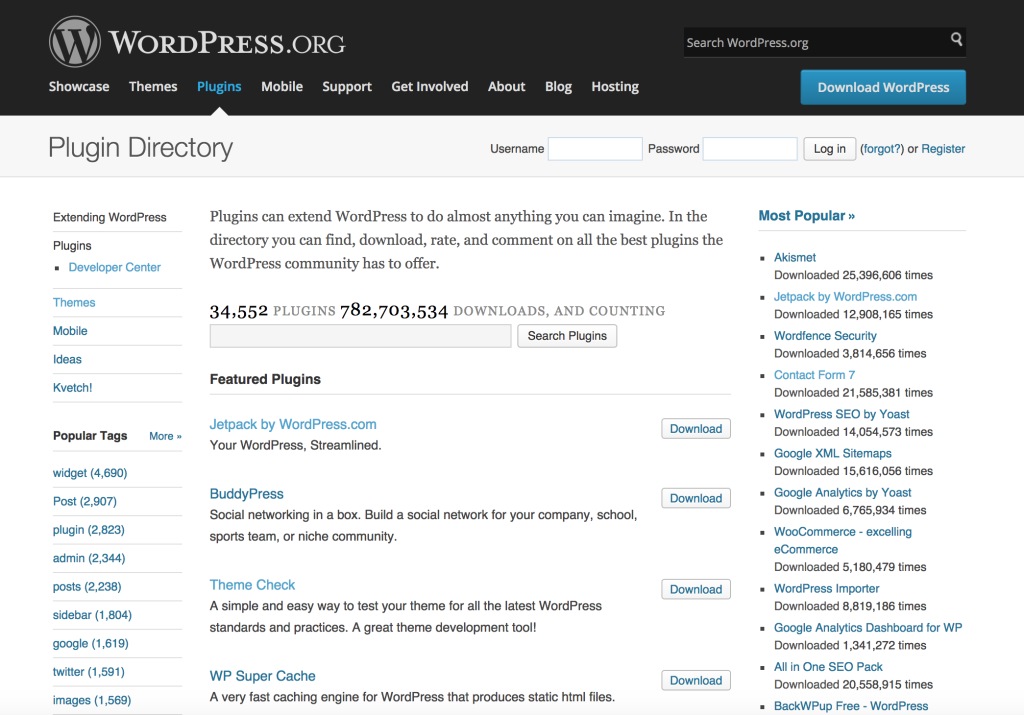
The maintenance signal is worth more than the rating. Being tested up to 7.0.5 while actively maintained plugins in the same category are tested to 7.1.1 tells you about cadence, not breakage. For code that renders on every page of your site, cadence matters.
If you want the hosted service but not the branded connector, Header Footer Code Manager exists for exactly this: it adds tracking snippets, conversion pixels and other third-party scripts to the header or footer. It is a general script manager rather than a documented Hello Bar path, so test it on staging first and keep the snippet somewhere you will find it again.
How to put a bar on the site, both ways
You need an administrator account in wp-admin for either path, plus a Hello Bar account for the hosted one. Do it on staging if you have staging, and take a backup if you do not.
The hosted path
- Create the bar in your HelloBar.com account, set its message, link and display rules, and publish it. A plugin with no published bar behind it shows nothing.
- Install and activate the connector plugin in Plugins, then Add New, or install the snippet through a script manager instead. Pick one method and only one.
- Paste the API key or site snippet into the plugin settings and save. Reload the settings screen and confirm the value is still there.
- Purge every cache layer you run, then load the site in a private window.
The native plugin path
- Install a bar plugin from the directory. My Sticky Bar is the best-evidenced option in the category: 100,000 active installations, a 98% rating from 1,198 ratings, last updated 2026-09-15 and tested up to WordPress 7.1.1. It also handles sticky headers, which is where bar plugins usually collide with themes.
- Write one message with one action. Two links in a bar is one too many.
- Set placement, dismissal behaviour and which pages it appears on before you publish, not after.
- Check the result on a phone, on a page with a sticky header, and on a page with a cookie notice already at the top.
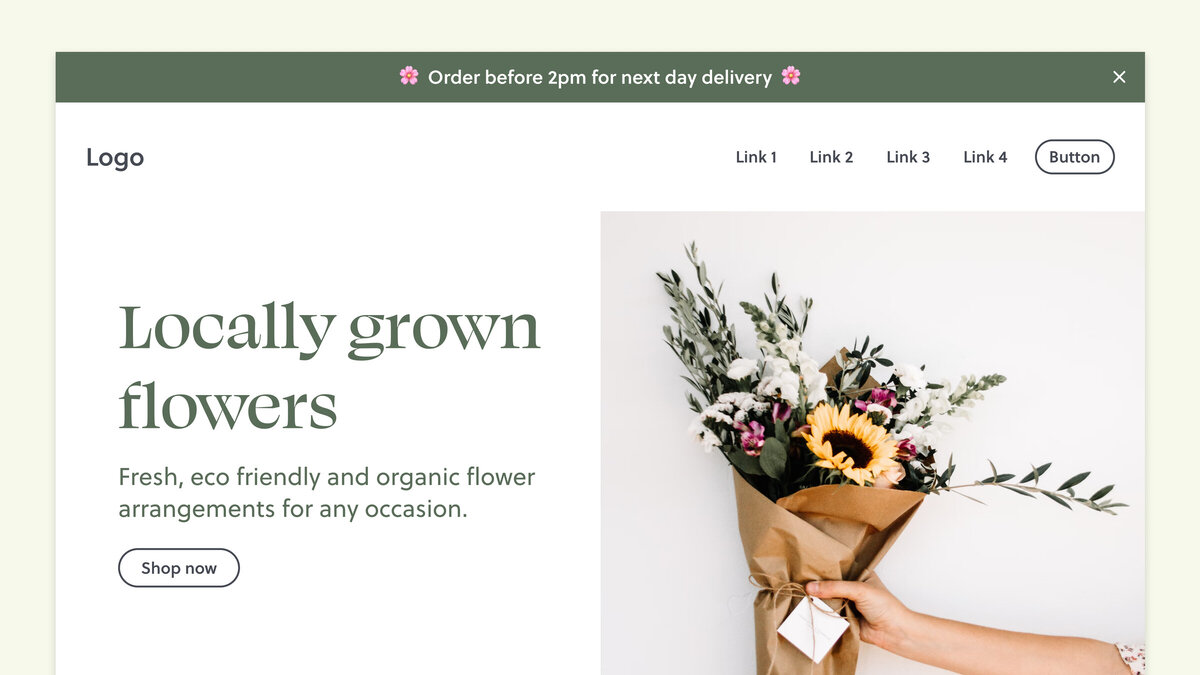
A correct result: the bar appears on the pages you targeted, logged out, in a private window, on a second device. It does not cover the logo, the mobile menu or the first line of content, and dismissing it makes it stay dismissed on the next page.
Why the bar is not showing
There is no Hello Bar error message. The normal symptom is silence: the bar simply is not there. Work the causes in this order, which reflects how often each one turns up in practitioner guidance rather than a measured survey. The times are rough.
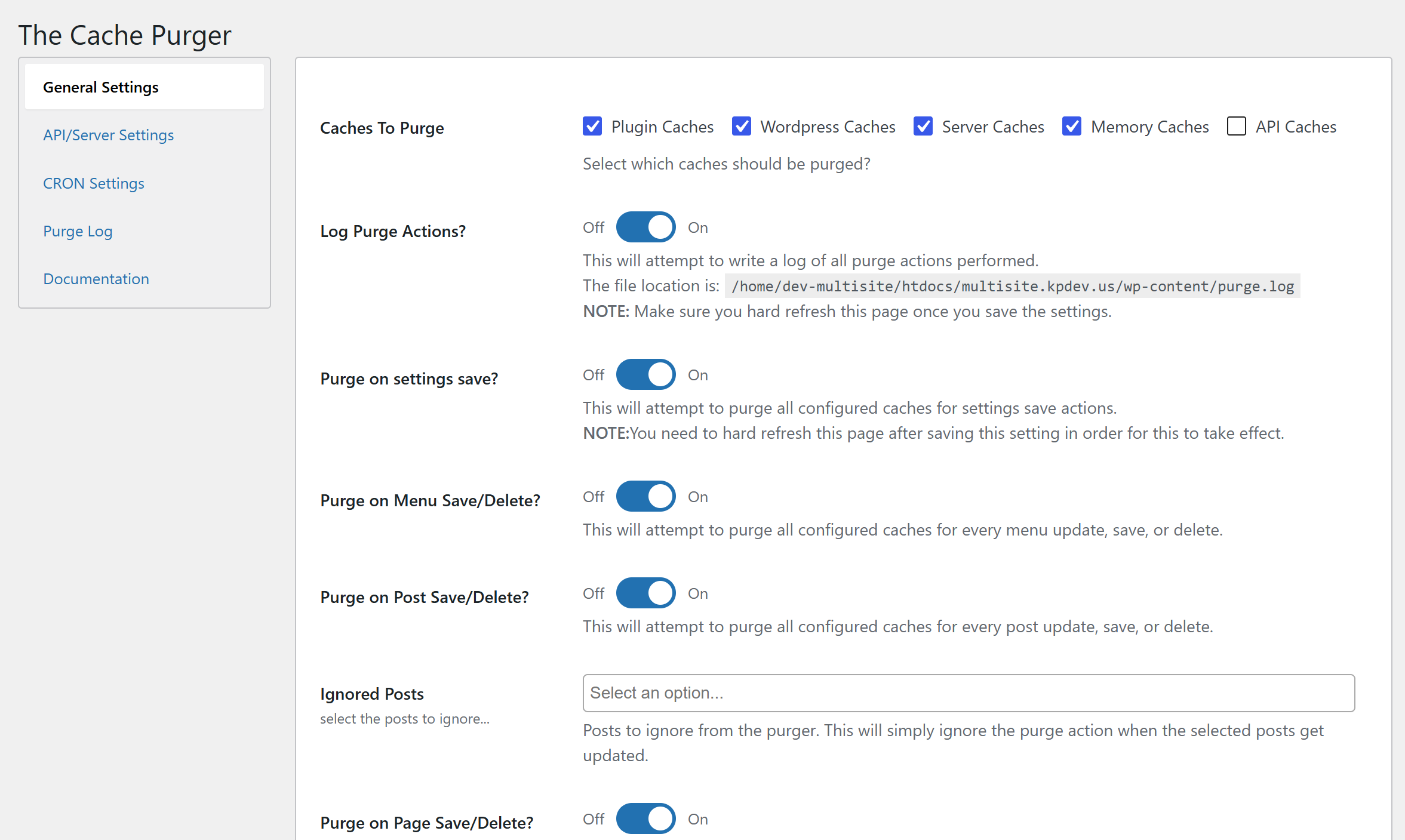
- Cache, at every layer. The old HTML or the old script is still being served. Purge the caching plugin (WP Rocket, W3 Total Cache, LiteSpeed Cache), then the host or server cache, then the CDN (Cloudflare, Varnish), then the object cache, then your browser. Five to thirty minutes. The way to waste an afternoon is to clear the browser cache only and conclude the install failed. The same ordering applies to a font change that will not appear.
- The setup is incomplete. Plugin active but no bar published in the account, key pasted with a trailing space, targeting rules that exclude the page you are testing. Ten to thirty minutes to re-walk the steps.
- You are testing logged in. Admin sessions, cookie state and display rules all behave differently for an administrator. Test logged out, in incognito, in a second browser, on a phone. Five to twenty minutes, and it costs nothing to do first.
- The script is deployed twice. Plugin deployment plus a manually pasted copy in the theme header gives you two bars, and older releases of the connector inserted the script twice on their own. Remove one copy.
- Plugin conflict. Deactivate everything else, confirm the bar works alone, reactivate one at a time and reload between each. Caching, optimisation, security, JavaScript management and page builder plugins are the usual suspects. Thirty to ninety minutes on a small site.
- Theme or builder conflict. Switch temporarily to a default theme such as Twenty Twenty-Four. If the bar appears there, the problem is your theme’s header output, its JavaScript, or a sticky element layered over the bar. Thirty minutes to two hours.
- Stale versions. Update WordPress, the theme and the plugin, then check the PHP version in your host’s control panel. Updating PHP while leaving an old plugin release in place changes nothing, because the compatibility work happened in the plugin.
- Damaged files. Delete the plugin and reinstall it from Plugins, then Add New, or replace the folder under /wp-content/plugins/ over SFTP.
- Account or licence. Confirm the hosted account is active and the snippet is the current one.
Update the plugin, do not roll it back
The instinct after a bad update is to go back to the version that worked. For this plugin the changelog argues the other way. Version 1.5 set a PHP 7.4 minimum, 1.5.1 added PHP 8.x compatibility along with security and URL handling improvements, 1.5.2 was security fixes, and 0.6 fixed the API key that would not save. Rolling back hands those bugs back to yourself.
When to stop and get help
Stop if the dashboard itself goes down. A fatal error from a conflict can lock you out, and the recovery is done over SFTP: rename /wp-content/plugins to /plugins_old to force everything off, then rename it back and re-enable plugins one at a time. If that sounds like a bad evening, it is the point to call your host or a developer. Also stop if the failure is on the vendor’s side, if your host runs a server cache you cannot purge from wp-admin, or if the site is a store taking orders while you experiment.
What you are trading for the hosted version
The hosted service is not selling you a strip of text. Any of a dozen free plugins will draw that. It sells campaign management: targeting by geography, device and referral source, scheduling, split testing and reporting across more than one site. Those are the vendor’s feature claims, and they are the reason to accept the dependency, if you accept it.
What you give up is control of code that runs on every page. Three things follow.
Performance is unmeasured. The product documentation says it does not affect site speed. No independent benchmark exists to check that. A remotely loaded script that renders visible content at the top of the viewport is exactly where render blocking and layout shift live, so measure it on your own site with the bar on and off rather than trusting either side of the argument.
Security reaches every visitor. In January 2026 the CVE programme announced CVE-2026-1042, stored cross-site scripting in a WordPress plugin named WP Hello Bar, via the digit_one and digit_two parameters. Note the name: WP Hello Bar is not obviously the same plugin as Hello Bar Popup Builder, and those parameter names suggest a countdown feature that does not appear in the Popup Builder changelog. Check the exact plugin slug you have installed against Wordfence or the CVE record before you assume you are affected, and before you assume you are not.
Pricing is not what review sites say it is. Three 2026 review pages report two incompatible monthly schedules for the same plans. A free tier is consistently reported. Read the current prices from the vendor, not from an affiliate review.
What changes when the bar is someone else’s job
A bar is a small, reversible, high-visibility change, which makes the coordination around it absurd. Writing the message takes two minutes. Deciding where the markup goes, checking it against a sticky header, testing it logged out on a phone and taking it down again is what turns a ten-minute job into a ticket.
SiteSelf is an AI agent for existing WordPress sites: you describe the change in chat, it does the work on the live site, checks the result and reports what it changed. Bars sit squarely in design changes on an existing site.
Example request: “Add a bar across the top of every page: Free delivery on orders over 50 until Sunday, dark green background, white text, linking to /shop. Make sure it does not cover the mobile menu.”
What happens next: the agent looks at what the site already has, either a bar plugin that is installed or the theme’s own header, makes the change there rather than adding a fifth plugin, then fetches the changed page and reports what it did and what it checked. Settings and content work runs through the SiteSelf Connector plugin from the WordPress.org directory. Theme templates, CSS and a snippet in the header need hosting access over SSH, so say which you can give.
The limits are worth stating plainly. If the page is owned by Elementor, Divi or Beaver Builder, the work is refused at the moment it is attempted, with the reason. Nothing runs on a schedule, so “take it down on Monday” is a second message on Monday. Campaigns that live in a vendor dashboard such as HelloBar.com stay there: third-party systems are read at most, and nothing is written to them. Before a change, the agent says what is about to change and whether it can be undone, and what it did is recorded.